ONLYOFFICE AI Forms for Nextcloud: A first look at smarter data collection
Forms sit at the center of how large organizations run. Every new hire, expense claim, NDA, and customer survey starts with a form. The real challenge usually comes later: tracking who has submitted, chasing drafts, pulling answers into spreadsheets, and making sense of hundreds or thousands of responses.
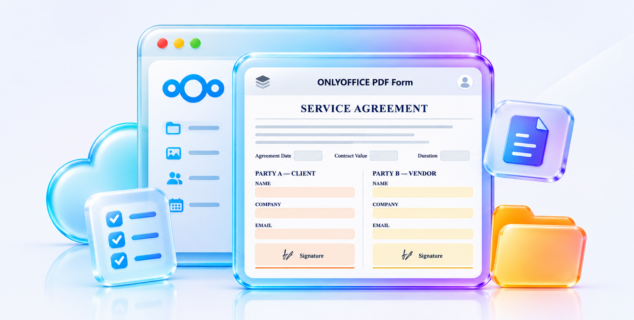
At ONLYOFFICE, we’ve been exploring how AI can take that work off your teams’ plates. We’re excited to share an early look at ONLYOFFICE AI Forms running as an integration example inside Nextcloud.
Let’s explore what AI Forms could bring to your Nextcloud environment and why it matters for teams that handle forms at scale.
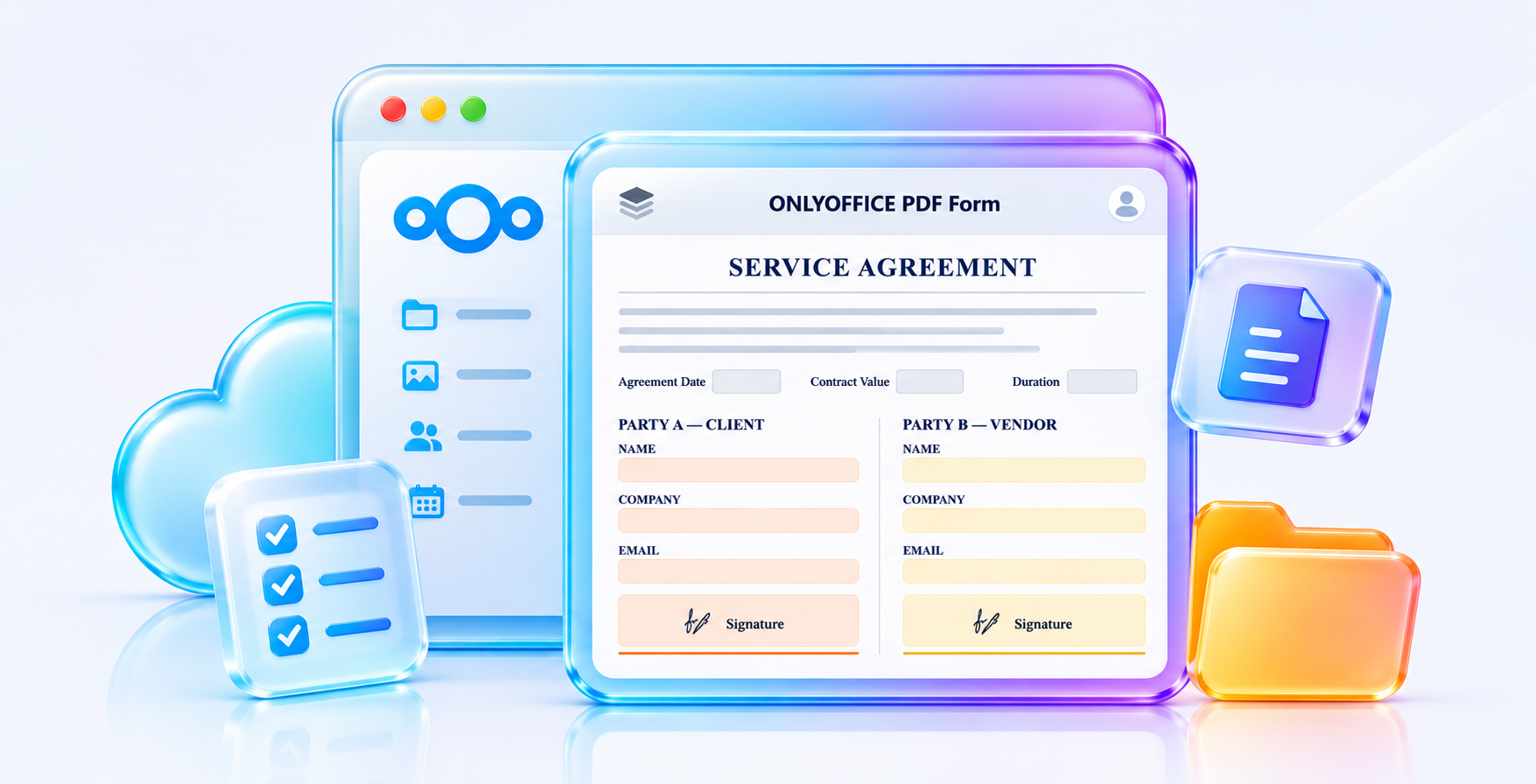
Please note: This is an early-stage concept integration, not a released product. What you see below is based on a working prototype. Features and details may change as development continues.
Why forms need a smarter workflow
Many organizations already use Nextcloud as a self-hosted platform that keeps them in control of their data. ONLYOFFICE Docs integrates with Nextcloud, so teams can view, edit, and co-author documents, spreadsheets, presentations, and PDFs right where their files live.
Forms introduce additional requirements, especially at enterprise scale:
- Volume: HR, finance, legal, and operations teams may collect thousands of submissions every month.
- Visibility: It’s hard to see which forms are still in progress and which are complete.
- Manual effort: Copying data from PDFs into spreadsheets or databases eats up hours.
- Access control: Sensitive responses should only be visible to the right people.
- Analysis: Finding patterns or answers across many submissions usually means reading them one by one.
AI Forms is our vision for solving these problems in one place, right inside the platform your teams already use.
Meet ONLYOFFICE AI Forms: four pillars of smarter form management
1. Smart Form Creation
Create PDF forms from ready-made templates or build them from scratch. Teams can also upload existing PDF forms, so there’s no need to rebuild documents you already use.
2. Real-time tracking
Monitor progress and submissions instantly. You always know which forms people have started and which are fully submitted.
3. AI processing
An AI agent automatically analyzes and processes responses. It can extract data, help with form review, and answer questions about completed submissions.
4. Data integration
Export results directly to your systems. Collect responses in XLSX spreadsheets automatically, or connect a MySQL database to send data where your business needs it.
How the AI Forms workspace operates
My forms: your central workspace
All PDF forms live in one main workspace. From here, you can upload new forms or create them from scratch.
In progress and Completed: clear status at a glance
AI Forms keeps submissions neatly organized by status:
- In progress: Each folder matches a specific form and holds drafts from people who started filling it out but haven’t submitted yet.
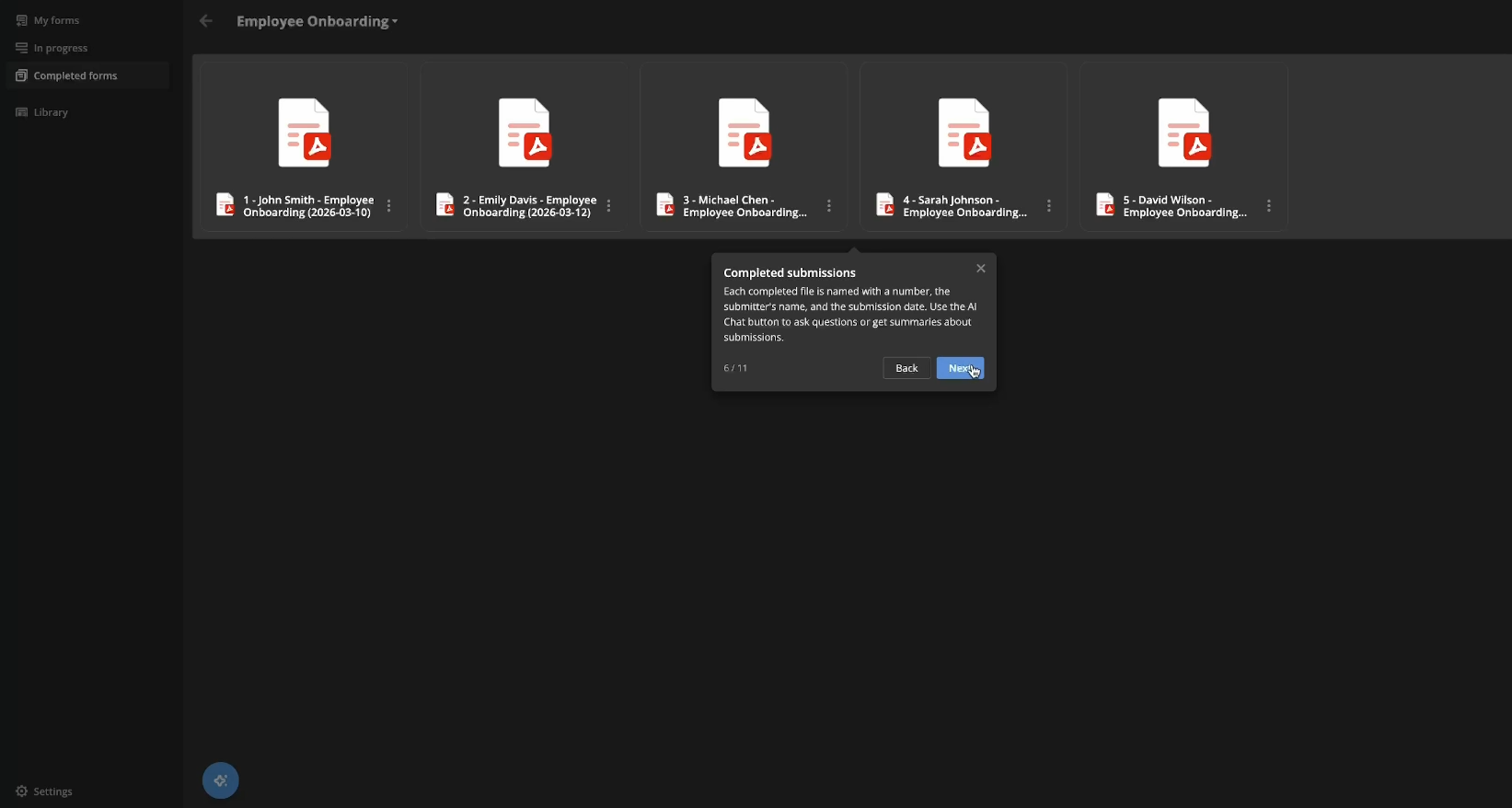
- Completed forms: Each folder contains all submitted copies of a form, organized by submission.
Every completed file follows a consistent naming pattern: a number, the submitter’s name, and the submission date. That makes searching and auditing far easier, even across large volumes.
AI Chat on submissions
Need a quick summary of what people submitted? Use the AI Chat button to ask questions or get summaries about completed submissions. Instead of opening dozens of files, you simply ask.
Ask from DB: talk to your form data
Ask from DB lets you chat with the AI agent about a form using data from a connected database.
For example, an HR manager could ask:
- How many onboarding forms were submitted this month?
- Which departments have the most pending leave requests?
- Summarize the main themes in this quarter’s customer feedback.
The result: actionable insights in seconds, without writing a single query.
Library: ready-made templates
The built-in Library offers ready-made templates such as Employee Onboarding, Invoice, Survey Form, etc., so teams can launch new forms quickly. Users can browse templates by language.
Access: role-based permissions
Security and governance matter, especially when forms contain personal or financial data. AI Forms uses two clear roles:
- Form Admins: Full access to manage the form and its settings.
- Form Managers: Can view and manage form submissions.
This structure helps you keep sensitive responses visible only to the people who need them.
Collect data: automate the busywork
The Collect data settings remove one of the most time-consuming steps in any form workflow:
- Collect results in XLSX: Spreadsheets are generated automatically in the same folder as the filled form copies. Each form gets its own XLSX file. Every row represents one submission, and every column matches a form field.
- Export results to a database: Set up automatic submission of completed forms to an external database. A table is created for each standard form, either immediately after a copy is filled out or on a schedule.
AI agent settings
Admins can enable the AI agent to automatically process submitted forms, extract data, and assist with review. Once enabled, the assistant can answer questions about completed submissions.
How the integration works within Nextcloud
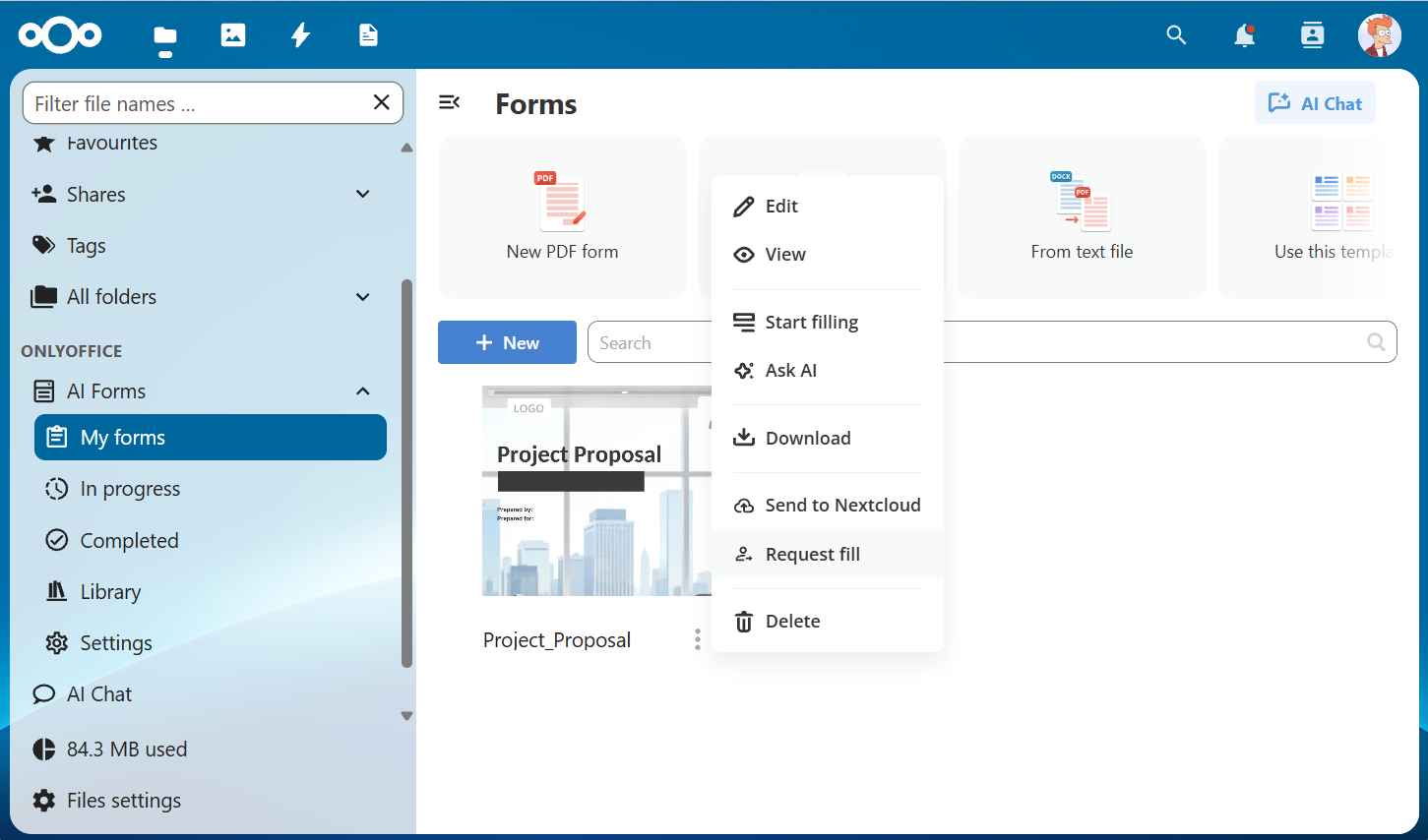
AI Forms is integrated into Nextcloud Files as an application, with a separate additional menu.
To get started, you need to sign in, authorizing the AI Forms OAuth application to access your Nextcloud account.
Once the setup is complete, an additional option – “Send to AI Forms” – appears for PDF forms in the “All files” section. When you select it, the file is sent to the AI Forms area, where you can open and edit it. You can then send the form back to the Files area in Nextcloud using the “Send to Nextcloud” option.
Otherwise, the process works basically as described above.
A real-world example: onboarding at scale
Picture a global company that hires hundreds of people every quarter. Here’s how AI Forms could simplify the process:
- Create the form: HR picks the Employee Onboarding template from the Library and adjusts it to local requirements.
- Share and track: New hires fill out the form. HR sees drafts in In progress and finished copies in Completed forms.
- Automate data collection: Every submission flows into an XLSX file or a MySQL database automatically.
- Get insights: The HR lead uses Ask from DB to check how many hires have completed onboarding by region.
- Control access: Only designated Form Admins and Form Managers can see personal data.
The same workflow applies to expense reports in finance, NDAs in legal, or feedback surveys in customer success.
Why this matters for enterprise teams
ONLYOFFICE AI Forms in Nextcloud points toward a workflow that is:
- Efficient: Less manual data entry and fewer status-chasing emails.
- Integrated: Forms, files, and data live alongside the documents your teams already manage in Nextcloud.
- Secure: Role-based access helps protect sensitive submissions, and Nextcloud’s self-hosted approach keeps data under your control.
- Insightful: AI turns raw responses into answers your decision-makers can act on.
- Scalable: A consistent structure for folders, file names, and exports supports growing volumes across departments.

What’s next
AI Forms for Nextcloud is still in its early stages. We’re sharing this concept now because we want to build it together with the organizations that will use it. Your feedback on workflows, integrations, and requirements will help shape what comes next.
See it in action
Curious how ONLYOFFICE AI Forms could fit into your environment and your team’s processes? We’d love to show you.
If you’re interested in seeing this in action, get in touch and we’ll set up a demo for you.
Create your free ONLYOFFICE account
View, edit and collaborate on docs, sheets, slides, forms, and PDF files online.