ONLYOFFICE Desktop Editors is officially the default office suite on ShaniOS
In this article, we will tell you about ShaniOS, a Linux distribution based on Arch Linux, which brings enterprise DevOps practices to desktop computing and offers its users ONLYOFFICE Desktop Editors as the default office suite.

About ShaniOS
ShaniOS is a next-generation Linux distribution based on Arch Linux and created by Shrinivas Vishnu Kumbhar (founder of Garuda Linux). ShaniOS takes system performance and reliability to a new level through its revolutionary blue-green deployment architecture, which provides atomic updates, instant rollback and system integrity by design.
The operating system provides its users with a comprehensive software stack for everyday needs, whether it be development, entertainment, gaming or professional workloads. Everything works out of the box and requires no additional configuration.
ShaniOS is compatible with multiple desktop environments, including GNOME, KDE Plasma and more, and each option comes with custom themes, performance tweaks and a set of default applications.
The philosophy of ShaniOS represents years of Linux optimization experience, delivering a system that is simultaneously faster, more secure and literally unbreakable, with system updates happening in the background on the inactive partition.
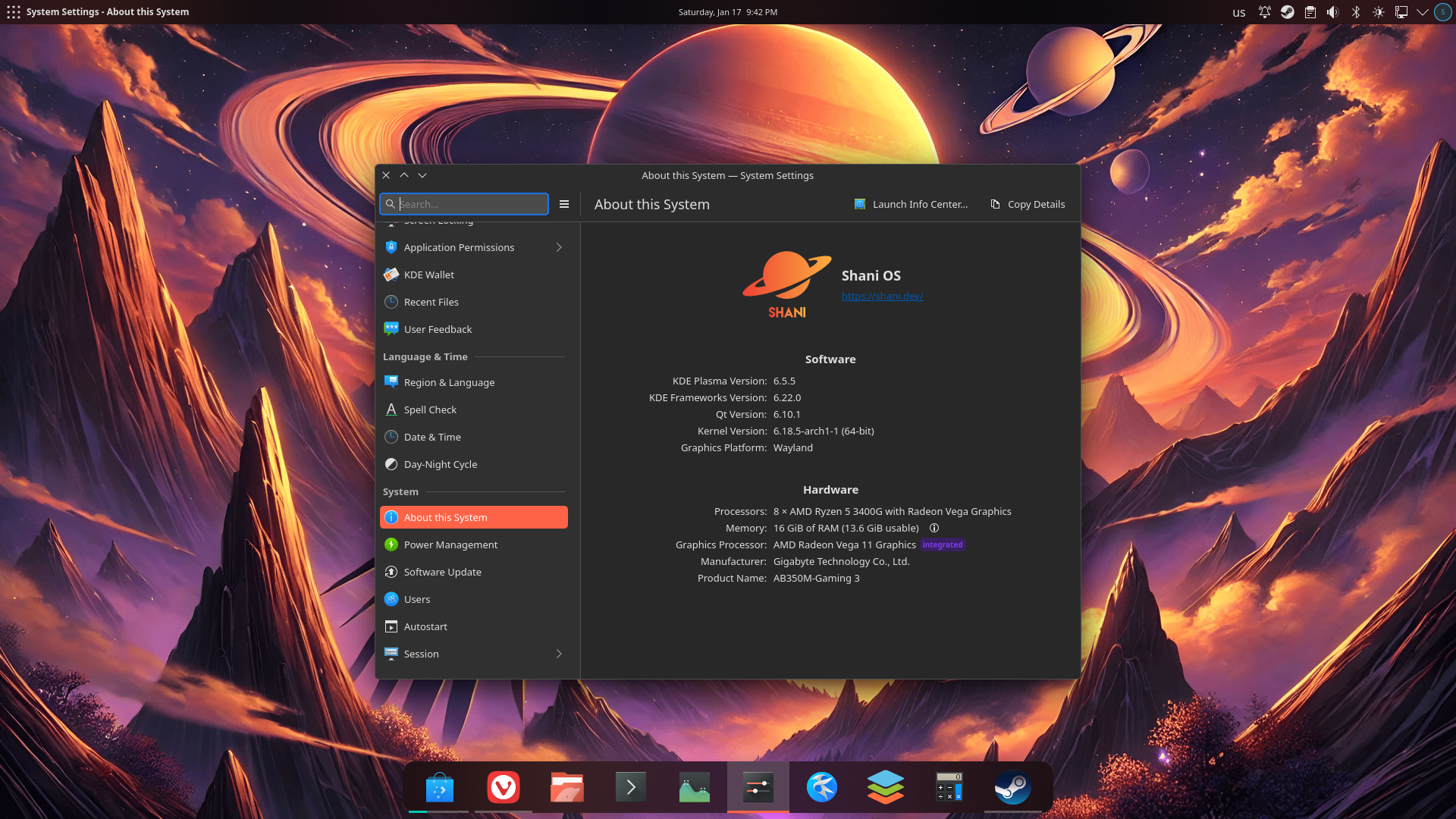
How to launch ONLYOFFICE Desktop Editors on ShaniOS
ONLYOFFICE Desktop Editors comes pre-installed as the default office suite on ShaniOS. Since the OS uses Flatpak for application management, the ONLYOFFICE app runs in a sandboxed environment with proper XDG portal integration, completely isolated from the immutable system core while still having access to documents in the /home folder. This ensures maximum stability and security.
ONLYOFFICE Desktop Editors can be launched in three ways:
Method 1: Application menu (recommended)
To launch the app, you just need to access the application menu, type “ONLYOFFICE” in the search bar and click the ONLYOFFICE Desktop Editors icon. Alternatively, you can navigate to the Office category and find ONLYOFFICE Desktop Editors there.
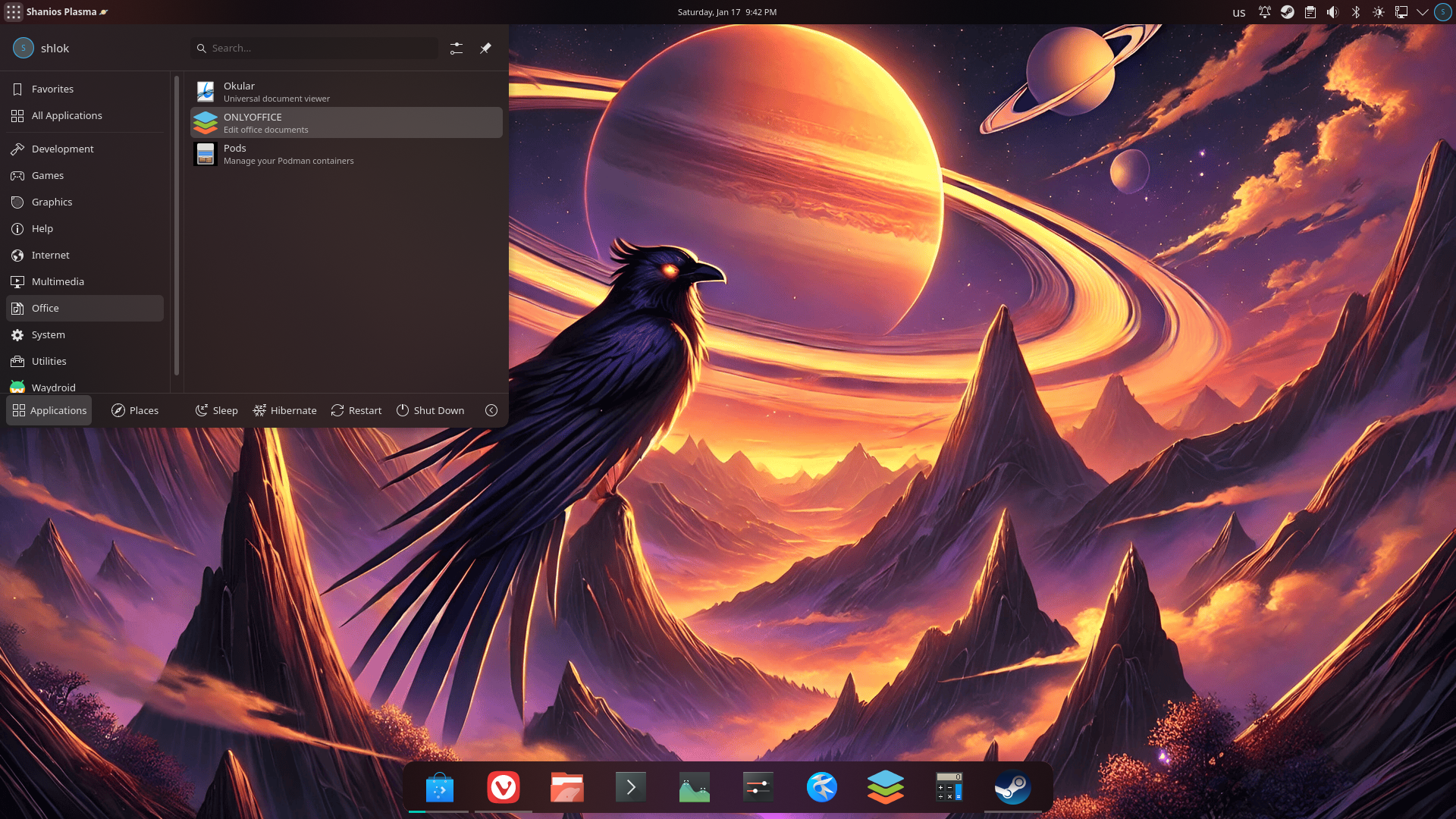
Method 2. Terminal
ONLYOFFICE Desktop Editors can be launched with this command:
flatpak run org.onlyoffice.desktopeditors
Method 3. Direct file opening
If you simply double-click any supported document type (DOCX, XLSX, PPTX, etc.), ShaniOS will automatically open ONLYOFFICE as the default office app.
Key features
With ONLYOFFICE Desktop Editors, ShaniOS users can:
- Open and edit text documents, spreadsheets and presentations;
- Create and fill out PDF forms;
- Annotate and redact PDF files;
- View Microsoft Visio diagrams;
- Use ready-made templates for various purposes;
- Enable plugins to add new features, e.g., Photo Editor, Icons, LanguageTool, draw.io, Zotero, DeepL and more;
- Activate the built-in AI assistant and AI agents for text content generation and other common tasks, such as translation, grammar correction, brainstorming, etc.;
- Connect ONLYOFFICE DocSpace, Nextcloud, Seafile, ownCloud, Liferay, kDrive and Moodle for real-time collaboration and more.
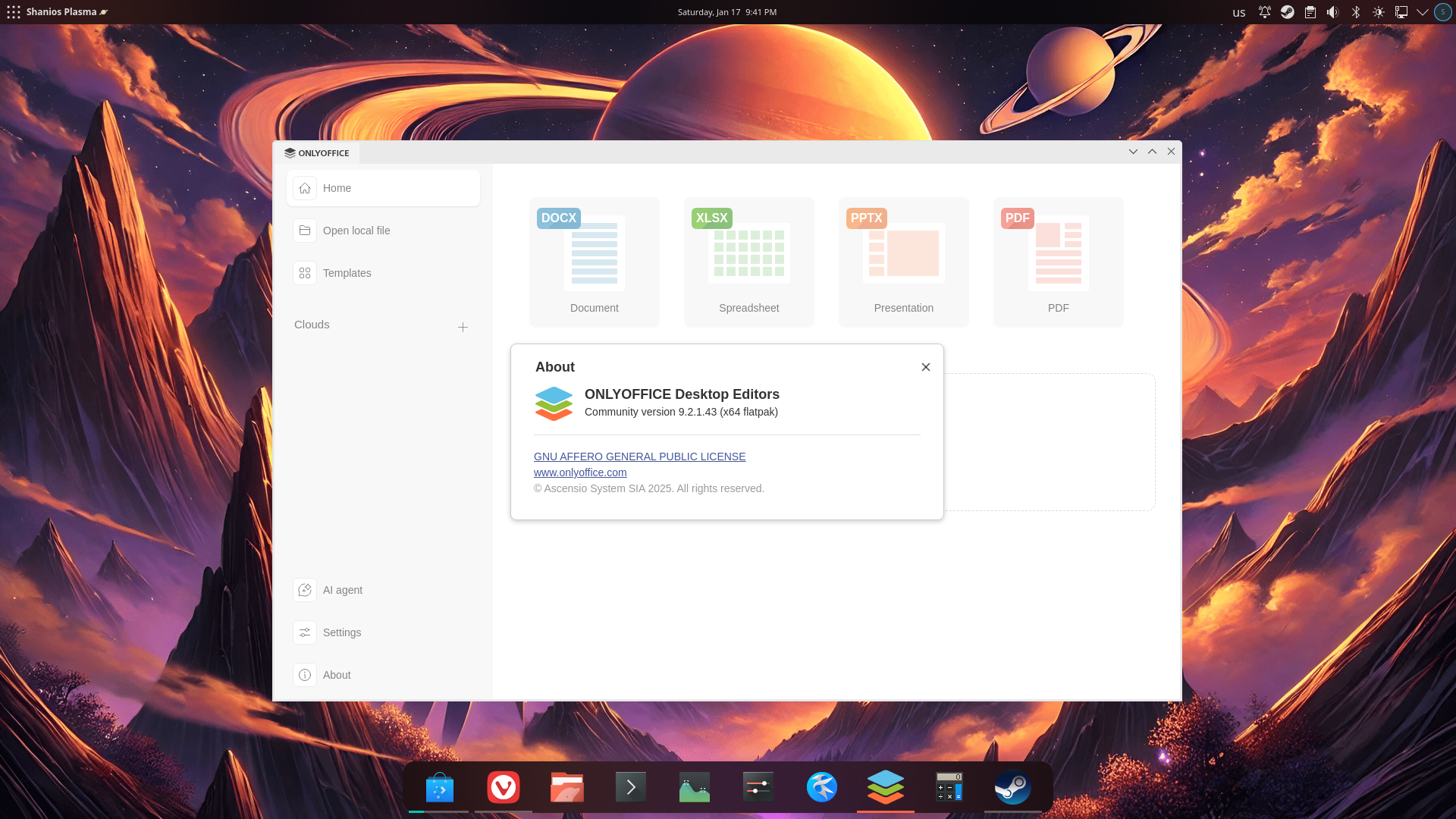
Shrinivas Vishnu Kumbhar, the developer:
We chose ONLYOFFICE as the default office suite for ShaniOS because it perfectly aligns with our philosophy of delivering professional-grade tools that just work. ONLYOFFICE provides exceptional Microsoft Office compatibility with support for all popular formats, including DOCX, XLSX, PPTX, and PDFs. Users can create documents, spreadsheets, presentations, and even fill out PDF forms—all in one package.
ONLYOFFICE is fast, handles complex documents smoothly, and its multilingual support pairs perfectly with our IBus input method and comprehensive font coverage. The quick print functionality works flawlessly with our pre-configured printer drivers, and the plugin ecosystem extends capabilities when needed. It represents the future of productivity on Linux—professional office capabilities without vendor lock-in.
Get ONLYOFFICE Desktop Editors for your OS
Want to try ONLYOFFICE Desktop Editors? Download the latest version for Linux, Windows and macOS from our website:
Alternatively, you can get the app for Linux from Flathub and Snapcraft. The Windows client is also available in the Microsoft Store.
Useful links
ONLYOFFICE Desktop Editors: website / GitHub
Create your free ONLYOFFICE account
View, edit and collaborate on docs, sheets, slides, forms, and PDF files online.


