8 things we got wrong (and how they made ONLYOFFICE better)
Sixteen years is a long time to build software. And if we’re being honest, we didn’t get everything right on the first try.
As part of our 16th anniversary series, we want to share something a little different. Not a list of wins, but a list of the mistakes we made along the way, and how each one pushed us to build a better product. Because here’s the truth: ONLYOFFICE was built from scratch, in-house, by a team that learned as it went. Every wrong turn taught us something that now benefits our 21+ million users.
1. Starting with a plugin-based editing experience
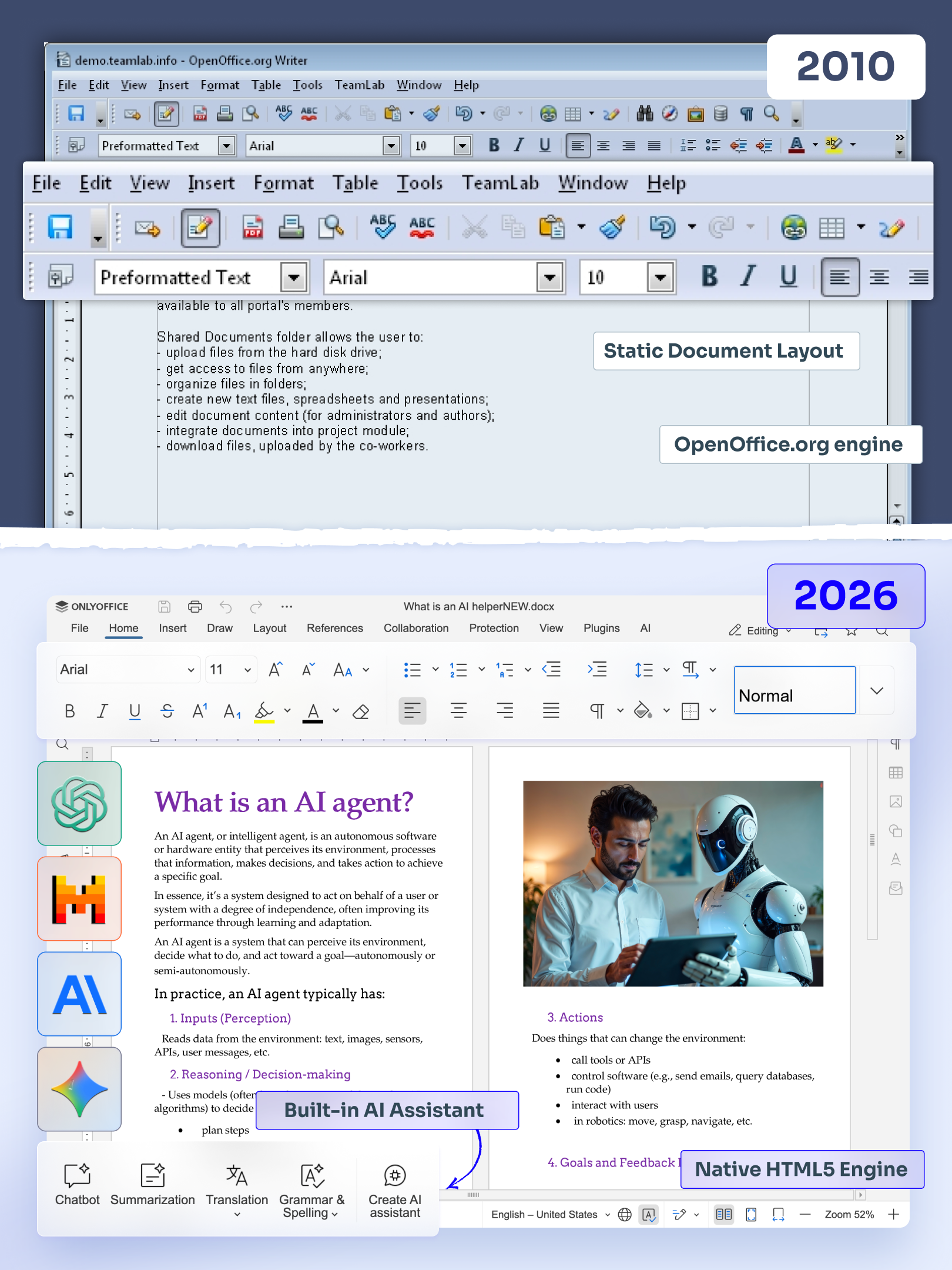
In the early days, back around 2010, our first document editing experience ran on OpenOffice. To edit a document, you had to download a plugin, open the file, and save it back to the portal afterward.
It worked. Sort of. But loading took forever, results were unpredictable, and it felt more like a workaround than a real product. Every user needed extra software on their machine just to get started.
What we learned: A great editing experience has to happen right in the browser, with no clunky steps in between. That realization set the direction for everything that came next.
2. Building the editors with CKEditor and DOM rendering
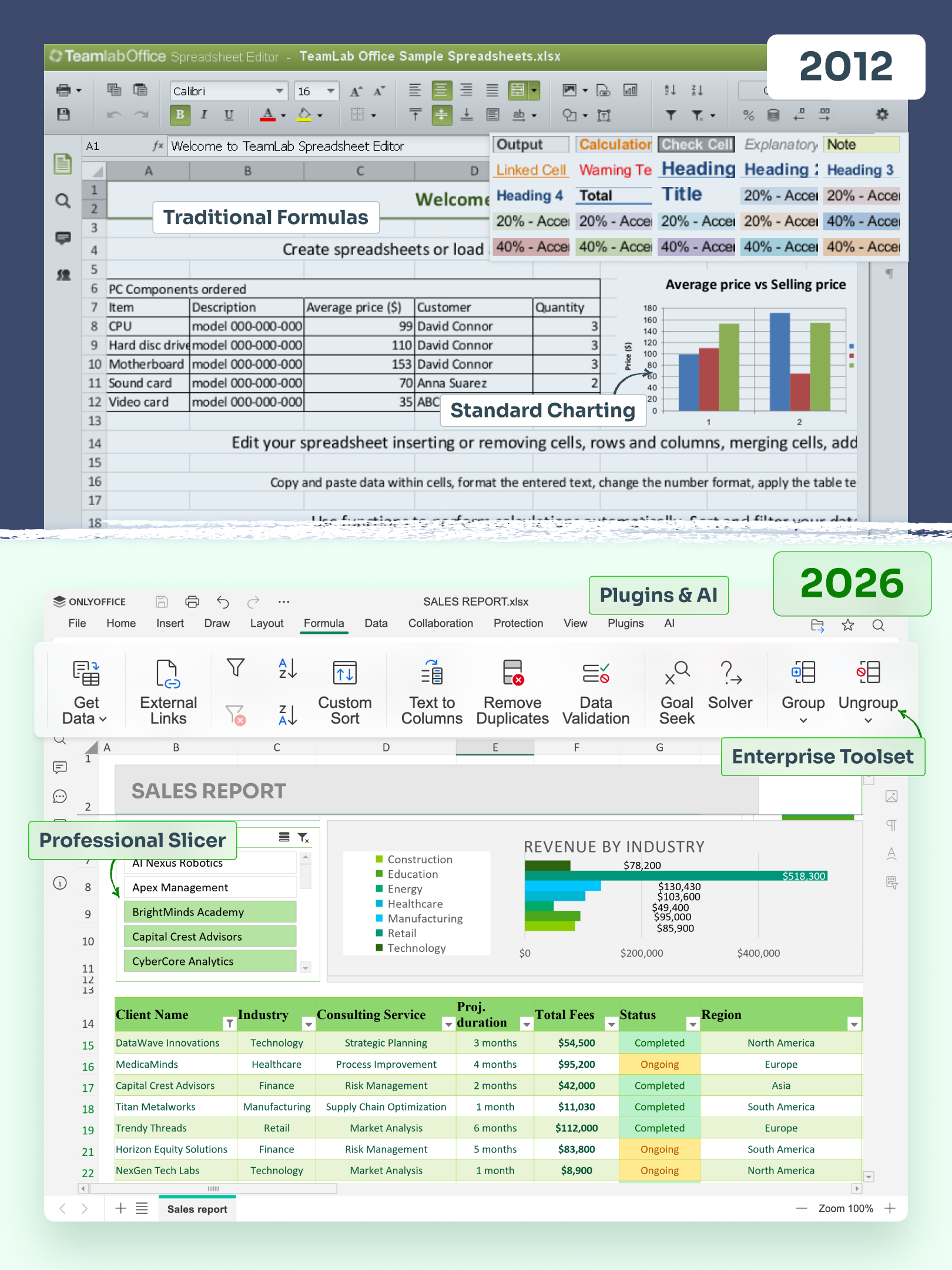
Next, we tried building our editors using CKEditor and DOM rendering, including for the spreadsheet editor. The problem? Every browser renders things differently. What you saw on screen wasn’t always what you got when you printed. Large files slowed everything to a crawl, and memory limits made serious work nearly impossible.
What we learned: We needed full control over how documents display and print, across every browser and device. This pushed us to become the first to build online editors using the HTML5 Canvas element, giving users consistent, reliable results no matter where they work.
3. Calculating spreadsheet formulas on the server
Here’s another one. In our early spreadsheet editor, we calculated formulas on the server and only showed the results to the user’s browser. On paper, it sounded efficient. In practice, it created delays and limited how interactive the experience could feel.
What we learned: Users expect instant feedback when they work with numbers. Moving calculations closer to the user made the editor faster and far more responsive, exactly what people need for daily work.
4. Using .NET and C# on the server
This was one of the biggest turning points for us. In the early days, we chose a .NET and C# setup for our editors simply because we did not yet have enough experience to know what would work best.
It quickly became clear that this approach was not the right fit. It did not run on Linux, performance was slow even on Windows, and handling many simultaneous connections was difficult.
So we made a bold decision and rewrote the server in Node.js. At the time, it was still a very new and experimental technology, and not everyone thought it was the right move. But our own research and testing told us otherwise. In the end, we rebuilt the entire server from scratch.
What we learned: Sometimes the bravest decision is to start over. Rebuilding the server gave ONLYOFFICE the speed, stability, and cross-platform flexibility our users rely on today. Just as importantly, that experience helped us make better architectural choices later when building DocSpace, so we could avoid repeating the same mistakes.
5. Betting on our own DOCXF and OFORM formats
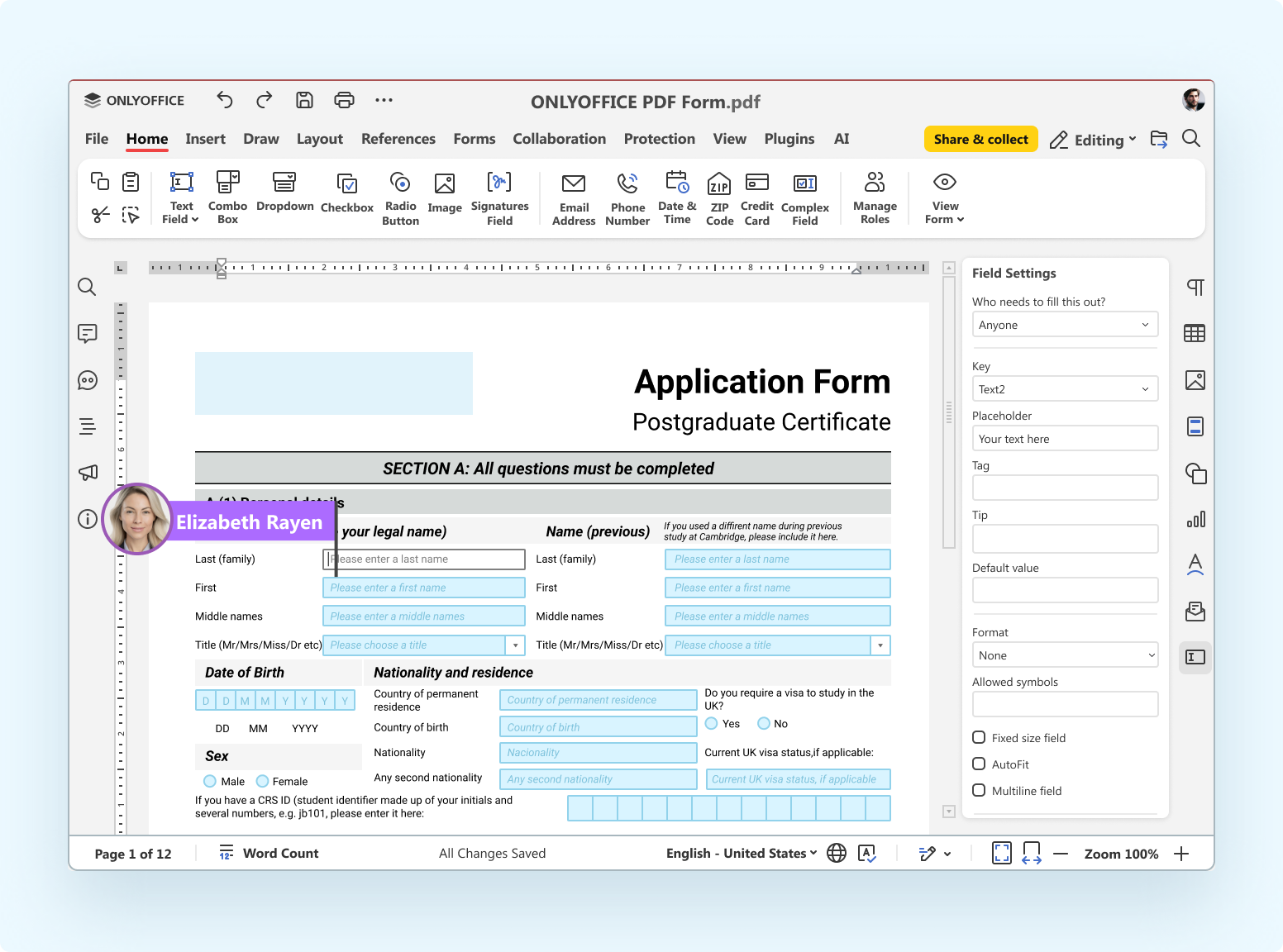
To handle fillable forms, we introduced our own formats in 2022: DOCXF and OFORM. The idea made sense at the time, but changing people’s habits is hard. Asking users to adopt unfamiliar formats added friction where we wanted simplicity.
So we made the switch to PDF, a format everyone already knows and trusts.
What we learned: Meeting users where they already are beats asking them to adapt to us. Now you can create and fill out PDF forms with tools that feel instantly familiar.
6. Launching without a native mobile app
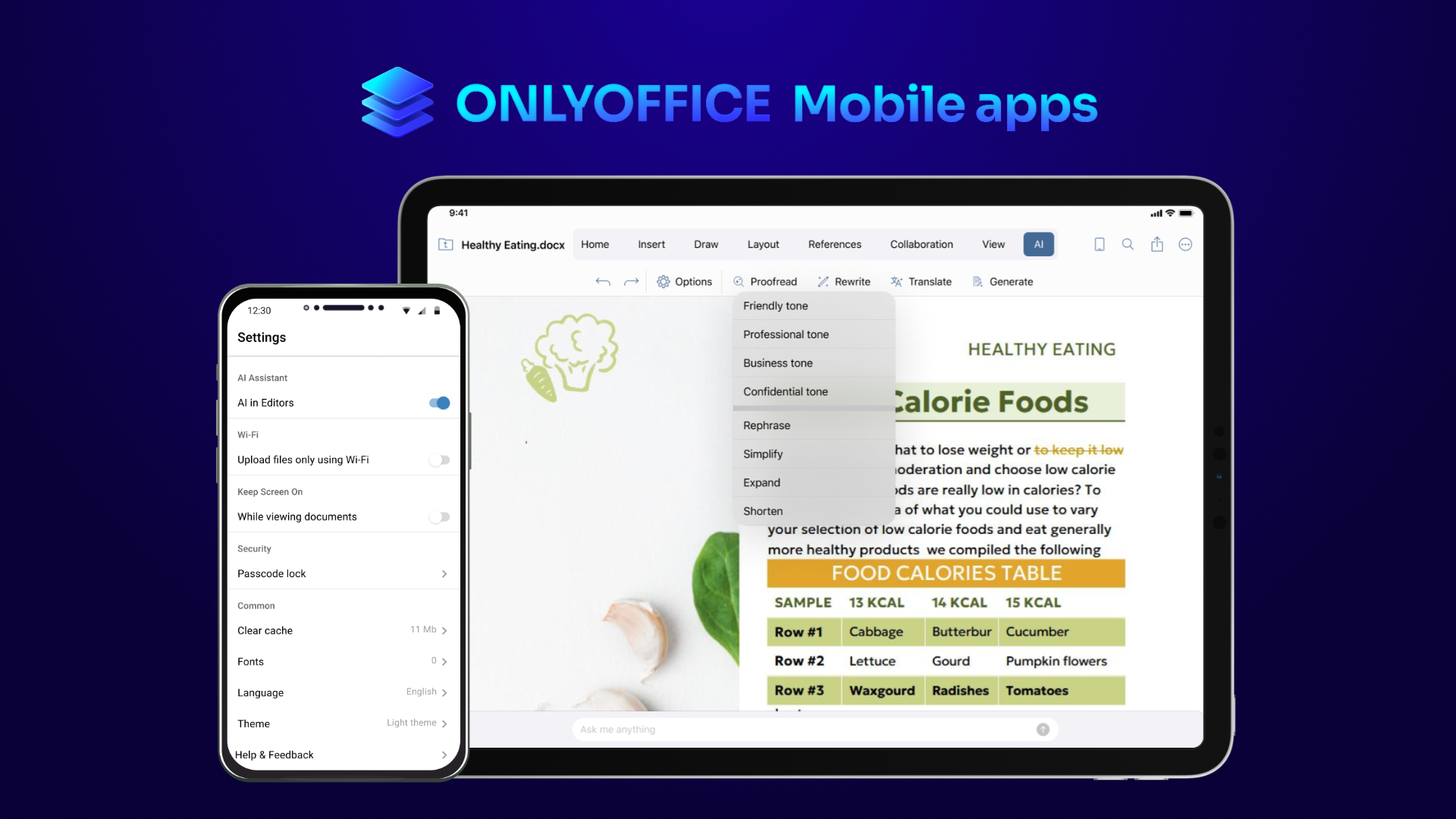
For a while, ONLYOFFICE didn’t have native mobile apps. We had responsive design, sure, but that wasn’t enough. People wanted a real, purpose-built experience on their phones and tablets.
What we learned: Adaptive design is a start, but a true native app is what people actually want on the go. Today, you can use our free apps for iOS and Android to work on documents anywhere, anytime.
7. Not building a public API from the start
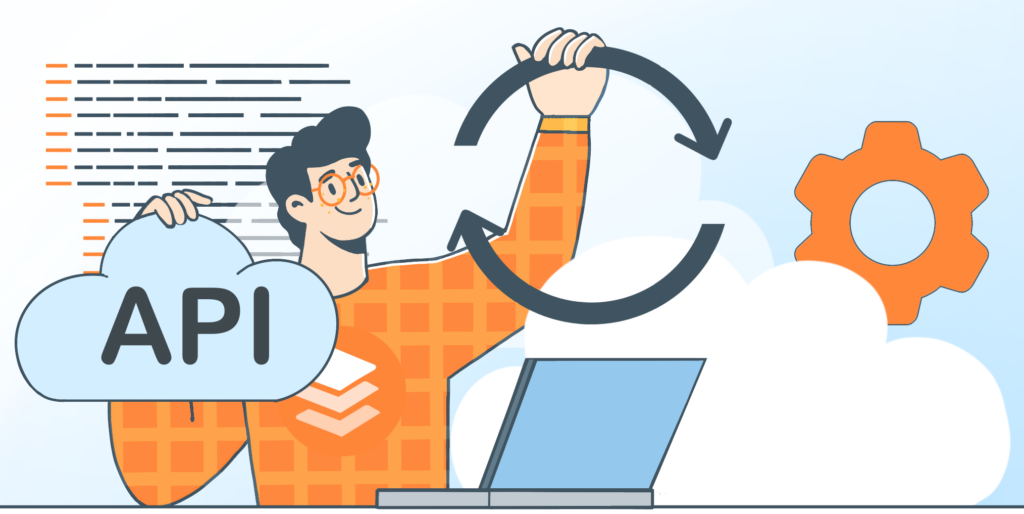
We didn’t offer a public API right away. Looking back, that was a missed opportunity. A user-friendly API makes it easy for anyone to connect ONLYOFFICE to the tools they already use, and integrations play a huge role in our ecosystem.
What we learned: Openness invites growth. Once we built a clear, accessible API, developers and platforms could integrate ONLYOFFICE with ease. We’re still expanding it and making it more convenient with every release.
8. Not planning for integrations early enough
Our final lesson is closely tied to the last one. To let other applications plug into your product and expand what it can do, you need to plan those “platform” capabilities in advance. In our early years, we didn’t always do that.
What we learned: Building for integration from day one saves enormous effort later. That’s exactly the mindset we bring to ONLYOFFICE DocSpace today, designing it to connect smoothly with the tools teams already rely on.
What all these mistakes taught us
Looking back, a clear pattern emerges. Every one of these missteps came from the same place: a team building everything from scratch, with no shortcuts and no one else’s playbook to follow.
Here’s what those years of trial and error gave us:
- the courage to rebuild when something wasn’t good enough;
- a commitment to the browser-first experience our users love;
- an open, developer-friendly approach that powers 40+ integrations;
- a habit of listening and adapting to what people actually need.
We didn’t get there by being perfect. We got there by being willing to learn.
The journey continues
Sixteen years and 21+ million users later, we’re proud of how far ONLYOFFICE has come, and honest about the bumps along the way. Every mistake made us better, and every fix brought us closer to the product our users deserve. That drive to keep improving hasn’t slowed down one bit.
Want to see where all that learning led? Explore the full ONLYOFFICE 16th anniversary series and discover the milestones, decisions, and moments that shaped who we are today.
Create your free ONLYOFFICE account
View, edit and collaborate on docs, sheets, slides, forms, and PDF files online.