What is true WYSIWYG editing?
The term WYSIWYG—What You See Is What You Get—is widely used, often loosely, and frequently misunderstood.
In this article, we will explain what true WYSIWYG editing really means from an architectural perspective, why many editors fail to deliver it, and what developers should look for when embedding document editors into their products.
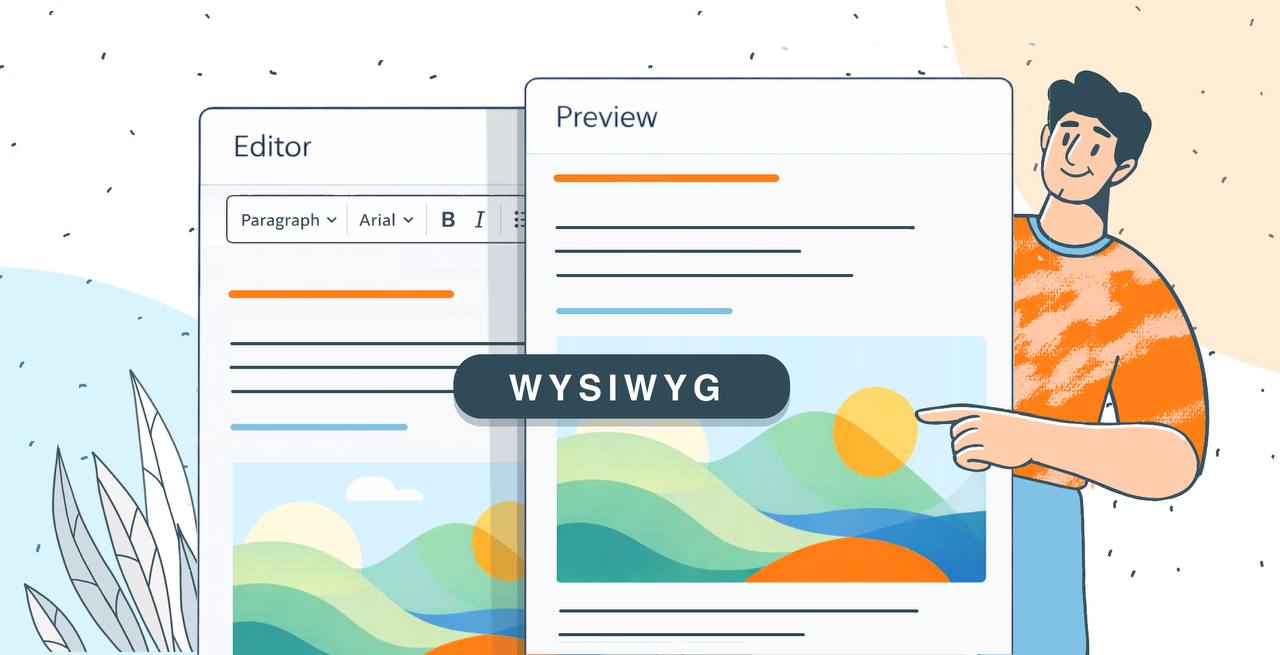
WYSIWYG is one of those terms everyone uses and very few actually respect. Today, almost any rich text tool, browser-based editor, or content field is marketed as a WYSIWYG editor, yet the moment a document is exported and the layout shifts, the promise collapses. This gap between expectation and reality is not accidental: it is architectural.
In modern software, WYSIWYG is often treated as a UI feature, but in reality, true WYSIWYG is a document-engine and rendering problem. It depends on how documents are modeled internally, how layout is calculated, and whether the same logic is applied consistently across editing, preview, and export.
This distinction becomes critical when document editors are embedded into applications. For developers, system architects, and CTOs, true WYSIWYG is not a cosmetic detail. It is a prerequisite for predictable output, stable templates, and user trust.
What is WYSIWYG? Definition and key benefits
To understand why true WYSIWYG is rare, it helps to go back to the original wysiwyg meaning. What You See Is What You Get was never about making editing feel convenient. Its original promise was strict: the document displayed during editing must be identical to the document produced as output, whether printed or exported.
Over time, this definition has been diluted. Many tools now labeled as a wysiwyg text editor only guarantee approximate formatting while editing. They rely on post-processing during export to “fix” layout, often using a different rendering engine entirely. From a technical standpoint, this already breaks the contract.
True WYSIWYG is about layout fidelity, not visual similarity. It means that line breaks, page breaks, margins, and object positioning are final while the user edits the document. If a paragraph appears on page two during editing, it must still be on page two after export.

This is especially important for office formats such as DOCX, XLSX, and PPTX: these formats are not HTML documents, but layout-driven specifications with strict rules for pagination, font metrics, spacing, and object anchoring. Any editor that treats them as web content first and documents second inevitably compromises WYSIWYG accuracy.
Challenges and disadvantages of WYSIWYG in web editors
If true WYSIWYG is so valuable, why do most web editors fail to deliver it? The answer lies in a series of common technical compromises that prioritize convenience and speed over layout determinism.
The most widespread compromise is HTML- and DOM-based rendering. Browsers are excellent at rendering responsive web pages, but they are fundamentally unsuited for print-accurate document layout. HTML has no native concept of fixed pagination, page headers and footers, footnotes, or floating objects anchored to text. As a result, document layout is approximated during editing and recalculated later during export.
In practice, this leads to a predictable set of architectural shortcuts:
- HTML/DOM-based approximation of document layout, where office documents are rendered as web content rather than as paginated documents.
- Different rendering engines for editing and export, with the browser handling on-screen editing and a separate engine recalculating layout during DOCX or PDF generation.
- Pagination calculated only at export time, meaning page breaks do not exist while users are editing the document.
- Font metric inconsistencies across platforms, where small differences in font rendering accumulate and shift layout across pages.
- Browser-dependent rendering behavior, where layout varies depending on the browser or even browser version.
Another common issue is pagination itself. Many editors do not calculate page breaks at all during editing. Pages exist only conceptually until export time, which makes page-dependent content such as headers, footers, and legal clauses unreliable.
Font handling adds yet another layer of complexity. Font metrics vary across operating systems, browsers, and rendering engines. Even minimal differences accumulate across lines and pages, pushing content forward or backward. Without strict control over fonts and consistent metric calculation, layout fidelity cannot be guaranteed.
Finally, browser-dependent rendering behavior undermines determinism. Different browsers render text differently, and even minor browser updates can change layout behavior. If document appearance depends on the client environment, WYSIWYG becomes conditional rather than guaranteed.
Technical criteria of true WYSIWYG editing
True WYSIWYG is not subjective. It has clear, non-negotiable technical criteria that separate real document editors from visual approximations.
First, there must be a single document model used for both editing and export. This model must represent the actual structure of the document format, not a simplified or intermediate version. If content is converted to HTML for editing and then reconstructed later, information is lost and layout drift is inevitable.
Second, the same rendering logic must be applied in all modes. Editing view, preview mode, and exported output must rely on the same layout engine. Any divergence in rendering behavior introduces inconsistencies.
Third, the editor must accurately handle all layout-critical elements:
- Fonts and font metrics
- Pagination and page breaks
- Margins, spacing, and alignment
- Tables, images, shapes, and floating objects
- Headers, footers, footnotes, and page numbers
These are not advanced features; they are foundational to document fidelity.

Finally, true WYSIWYG requires platform-independent rendering. A document must look identical regardless of browser or operating system. If layout changes based on the client environment, the editor does not meet the WYSIWYG definition.
The role of WYSIWYG in embedded editor architecture
The importance of WYSIWYG becomes even clearer in embedded use cases. When developers ask what is wysiwyg editor functionality really needed for, the answer lies in predictability and trust.
When a document editor is embedded into a SaaS platform—whether through an API or a react wysiwyg editor integration—the responsibility for document output shifts to the platform owner. Users expect documents to look exactly as designed, and any inconsistency reflects directly on the product.
Automated document generation and template-based workflows amplify this problem. Templates rely on fixed layout assumptions. A single unexpected page break can break branding, misalign signatures, or invalidate legal formatting. Without true WYSIWYG, templates become fragile and expensive to maintain.
In legal, financial, and business contexts, layout accuracy is not optional. Contracts, invoices, and reports must preserve formatting exactly. If exported documents differ from what users saw during editing, confidence in the system erodes immediately.
From an operational standpoint, lack of WYSIWYG increases support load. Layout-related issues generate tickets, manual fixes, and user frustration. For API consumers, predictable export fidelity is assumed, not negotiated. When this expectation is violated, the embedded editor becomes a liability rather than an asset.
WYSIWYG editing approach in ONLYOFFICE Docs Developer
ONLYOFFICE Docs Developer is built on the assumption that WYSIWYG is an architectural choice, not a UI enhancement.
At its core is a unified document model that directly represents DOCX, XLSX, and PPTX structures. There is no HTML proxy and no lossy conversion layer between editing and export. What the user edits is the document itself.
The same layout and rendering engine is used consistently across editing, preview, and export. This ensures that pagination, spacing, and object positioning are calculated once and remain stable throughout the document lifecycle.
The editor employs JavaScript and HTML5 Canvas for rendering, with Node.js on the server side, ensuring 100% view, print, and pagination fidelity across all browsers.
ONLYOFFICE works natively with Office Open XML formats, allowing precise control over layout rules defined by the specification. This native approach eliminates the inconsistencies that arise from format conversion.
In embedded scenarios, this architecture delivers consistent rendering regardless of browser or operating system. Either integrated into a SaaS platform, a document workflow system, or a custom application, layout behavior remains predictable.
Designed as an API-first solution, ONLYOFFICE Docs Developer supports scalable deployments while maintaining export fidelity, making it suitable for high-load environments where document accuracy is critical.
Conclusion
True WYSIWYG requires a single document model, a single rendering engine, and a deterministic approach to layout. Anything else is an approximation, no matter how polished the interface appears.
For developers embedding document editors, this distinction matters. Without true WYSIWYG, exports become unreliable, templates break, and user trust erodes. With it, document workflows become predictable, scalable, and dependable.
If documents matter in your product, true WYSIWYG is not optional.
Get ONLYOFFICE Docs Developer and deliver true WYSIWYG document editing
Ensure layout-accurate rendering from editing to export with a single document model and a unified rendering engine.
Create your free ONLYOFFICE account
View, edit and collaborate on docs, sheets, slides, forms, and PDF files online.