How to add and delete a section break in a Word file
Section breaks are a useful feature in Word that let you divide a document into parts with different layout settings. Read this article to learn how to add and delete section breaks and keep your document formatting under control.

What a section break actually does
A section break splits a document into separate sections. Each section can have its own layout settings, like margins, headers, footers, columns, or page orientation. This is why section breaks are useful, but also why they cause problems when added unintentionally.
If your document suddenly changes formatting for no clear reason, a section break is often the cause.
How to add a section break
Let’s see how to to add a section break using ONLYOFFICE Document Editor.
First of all, place the cursor where you want the new section to start. Then go to the Layout tab (or to the Insert tab), open Breaks, and choose the section break you need.
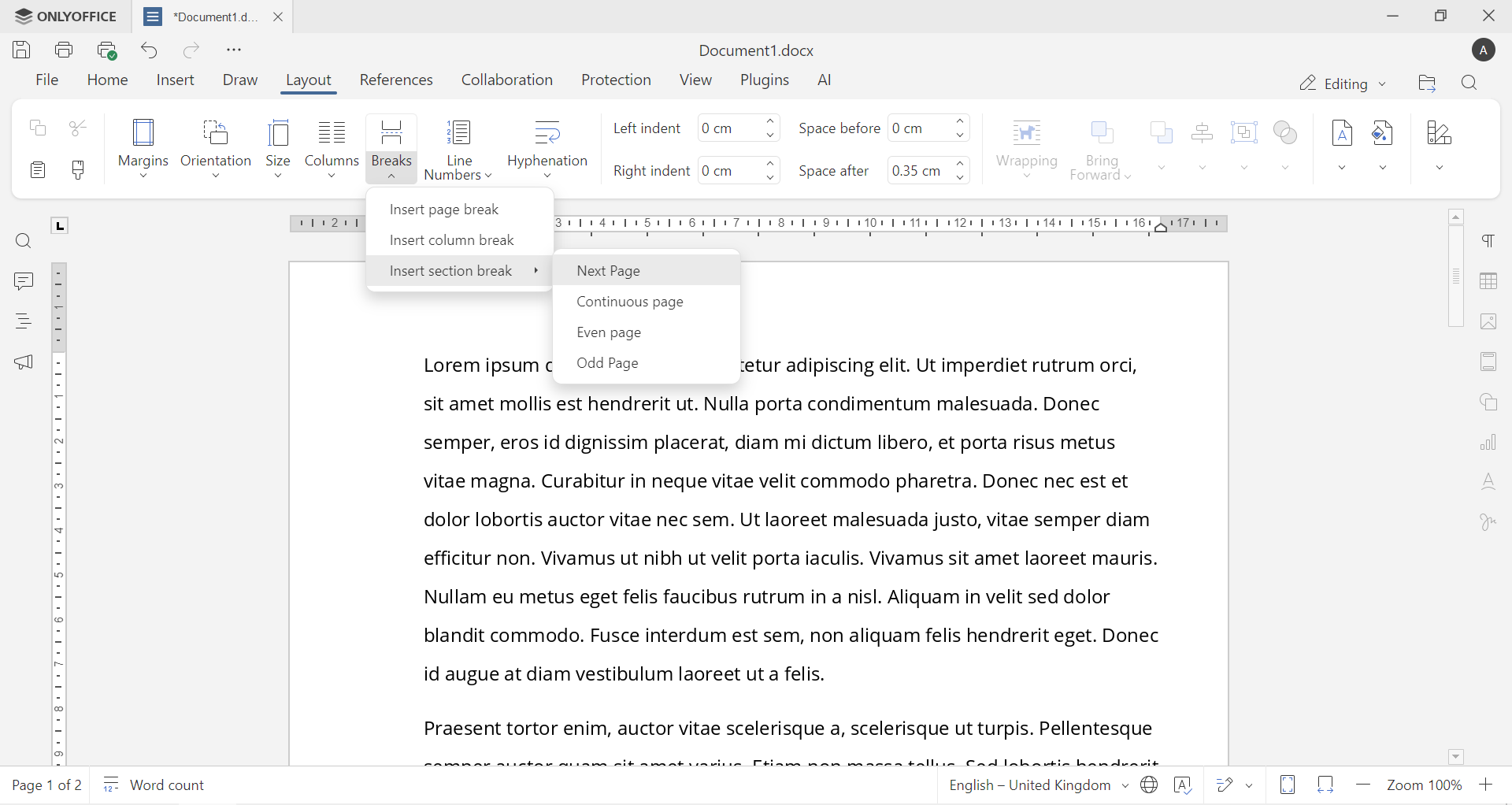
The most common option is Next Page, which starts the new section on a new page.
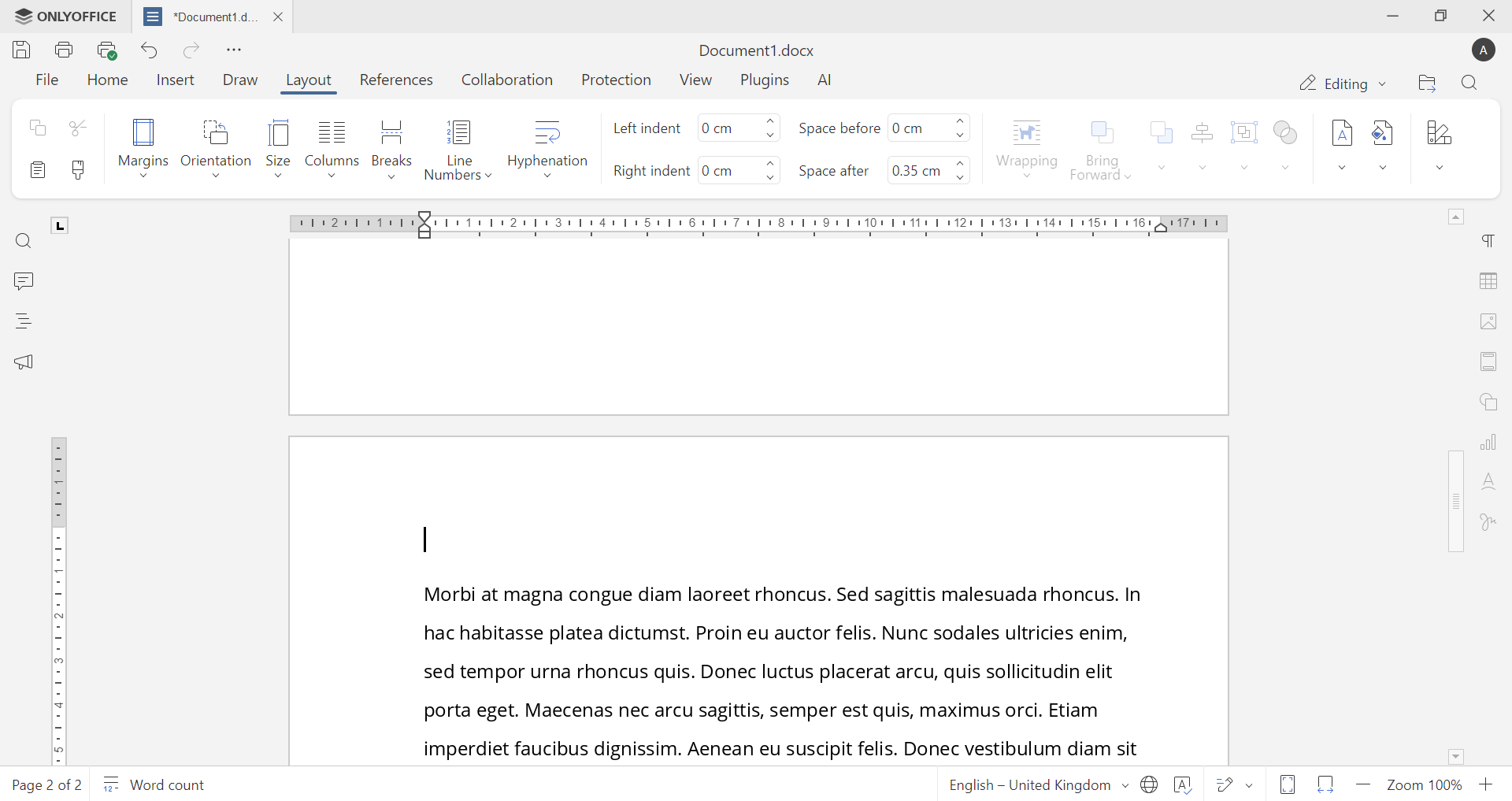
Other options include:
Continuous page: Creates a new section on the same page.
Even page: Starts the new section on the next even-numbered page.
Odd page: Starts the new section on the next odd-numbered page.
Once inserted, everything after that point belongs to a new section and can be formatted independently.
How to see section breaks
Section breaks are invisible by default, which makes them hard to manage. To see them, turn on formatting marks by clicking Show/Hide ¶ in the Home Tab. You’ll then see labels like Section Break (Next Page) inside the document.
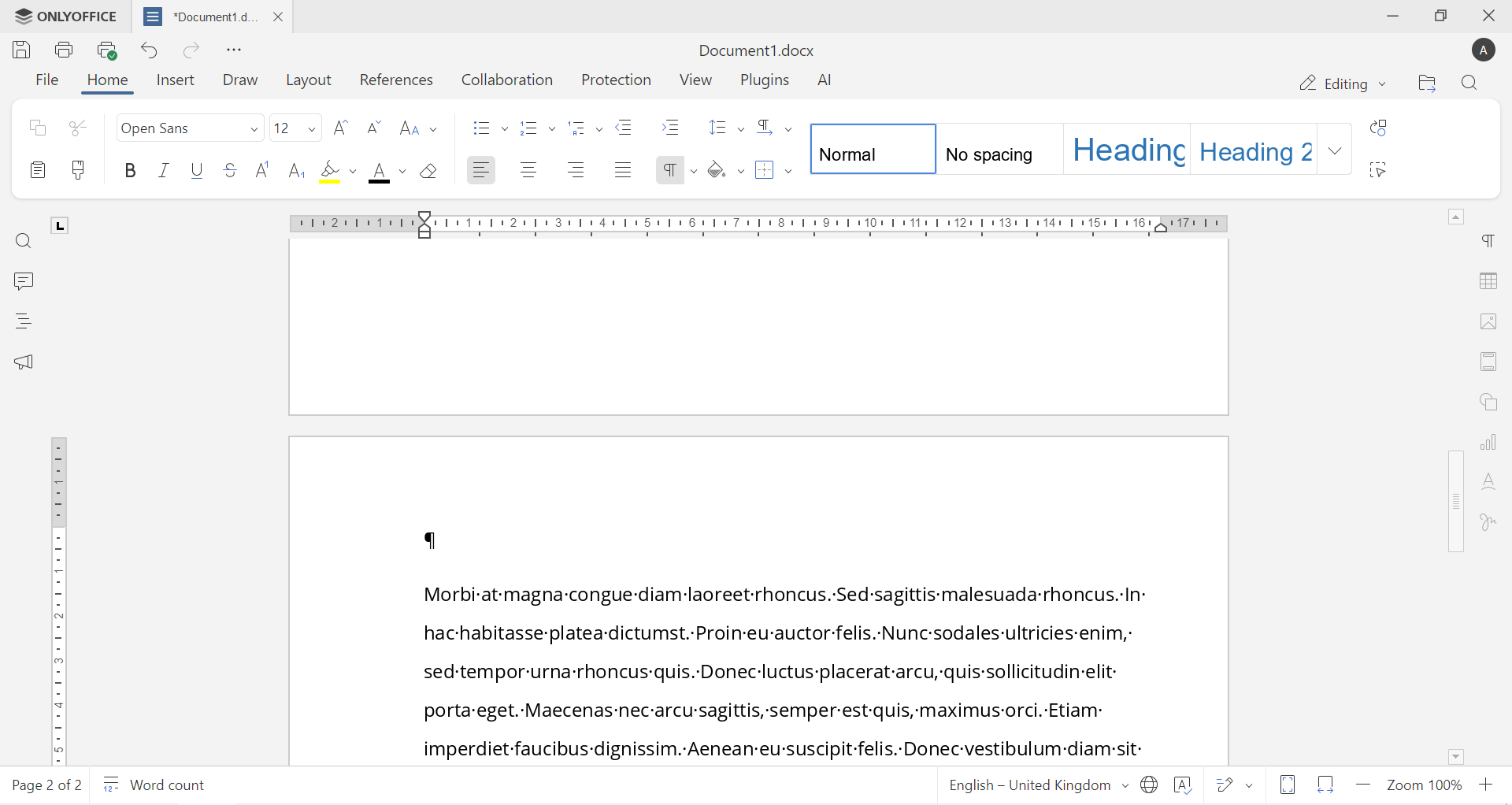
This step is essential if something looks wrong and you don’t know why.
How to delete a section break
Deleting a section break is simple. Place the cursor just before the section break, press Delete, and it’s gone. When you remove it, the two sections merge, and the formatting of the first section usually takes over.
Get ONLYOFFICE Document Editor
Put section breaks into practice with ONLYOFFICE Document Editor. Adjust layouts, manage headers and footers, and fix formatting issues by adding or removing section breaks exactly where you need them.
Create a free ONLYOFFICE DocSpace account to edit Word files online, or use the desktop apps to work on documents offline.
Create your free ONLYOFFICE account
View, edit and collaborate on docs, sheets, slides, forms, and PDF files online.


