How to rename a sheet in an Excel file
Renaming a sheet in Excel is a simple action, but it becomes more important as a spreadsheet grows. Clear sheet names help you keep data organized and make workbooks easier to understand and manage.
Why rename sheets
Sheet names are one of the first structural clues you rely on when navigating a workbook. If they are vague or random, you’re forced to open each tab just to understand what’s inside. Clear names make the structure of the file obvious and reduce mistakes, especially when formulas refer to data across multiple sheets.
Renaming sheets becomes especially important in large workbooks. When dozens of tabs are involved, clear names make navigation faster, formulas easier to understand, and collaboration less frustrating. Bad names don’t just look unprofessional — they actively slow you down.
The fastest way to rename a sheet
Let’s see two methods using ONLYOFFICE Spreadsheet Editor.
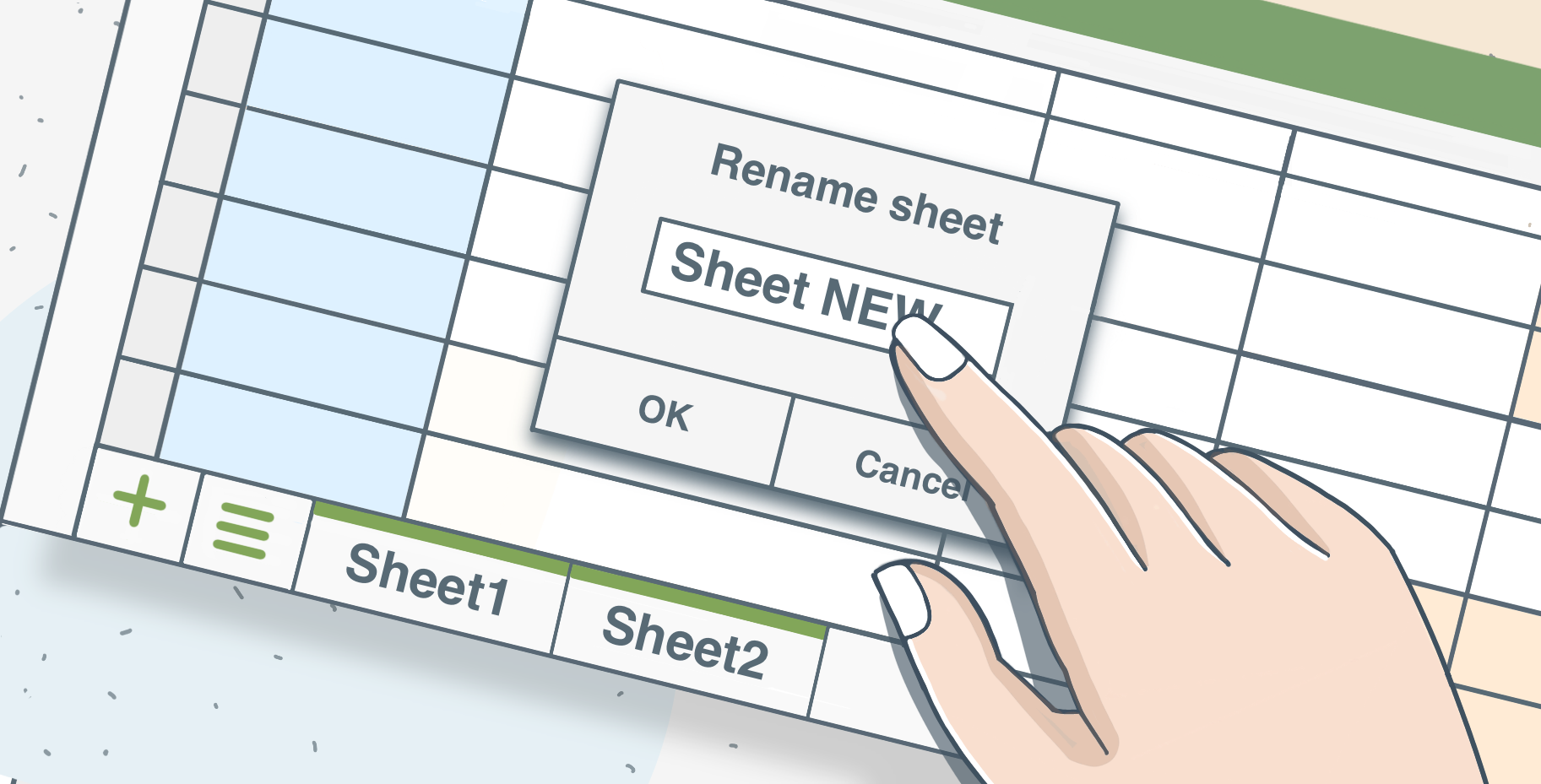
The quickest method is also the simplest. Just double-click the sheet tab at the bottom of the window. The name becomes editable, you type the new one, press Enter, and you’re done. No menus, no extra steps.
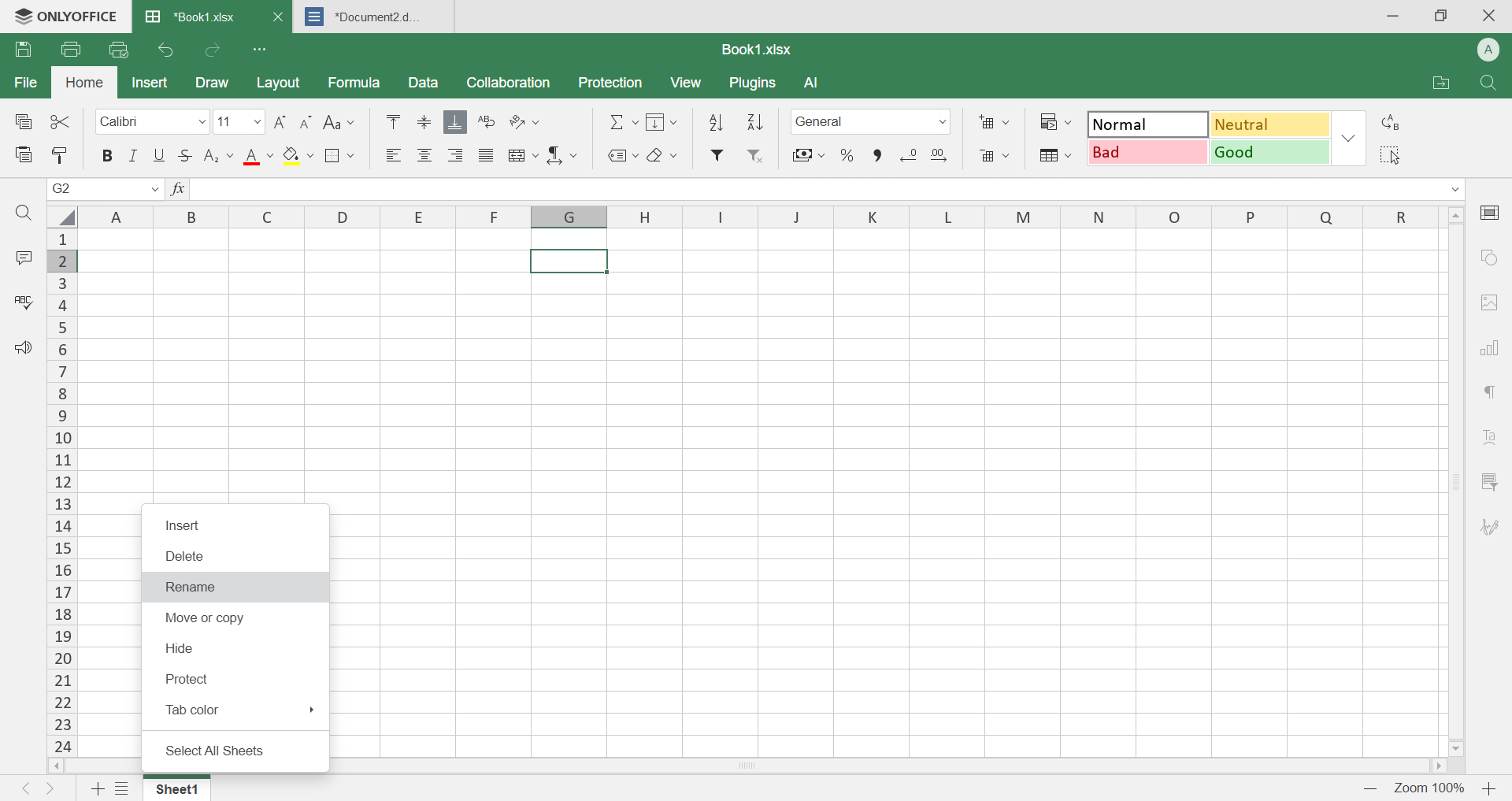
If you prefer, you can right-click the sheet tab and choose Rename. The result is exactly the same.
What editors allow and what they don’t
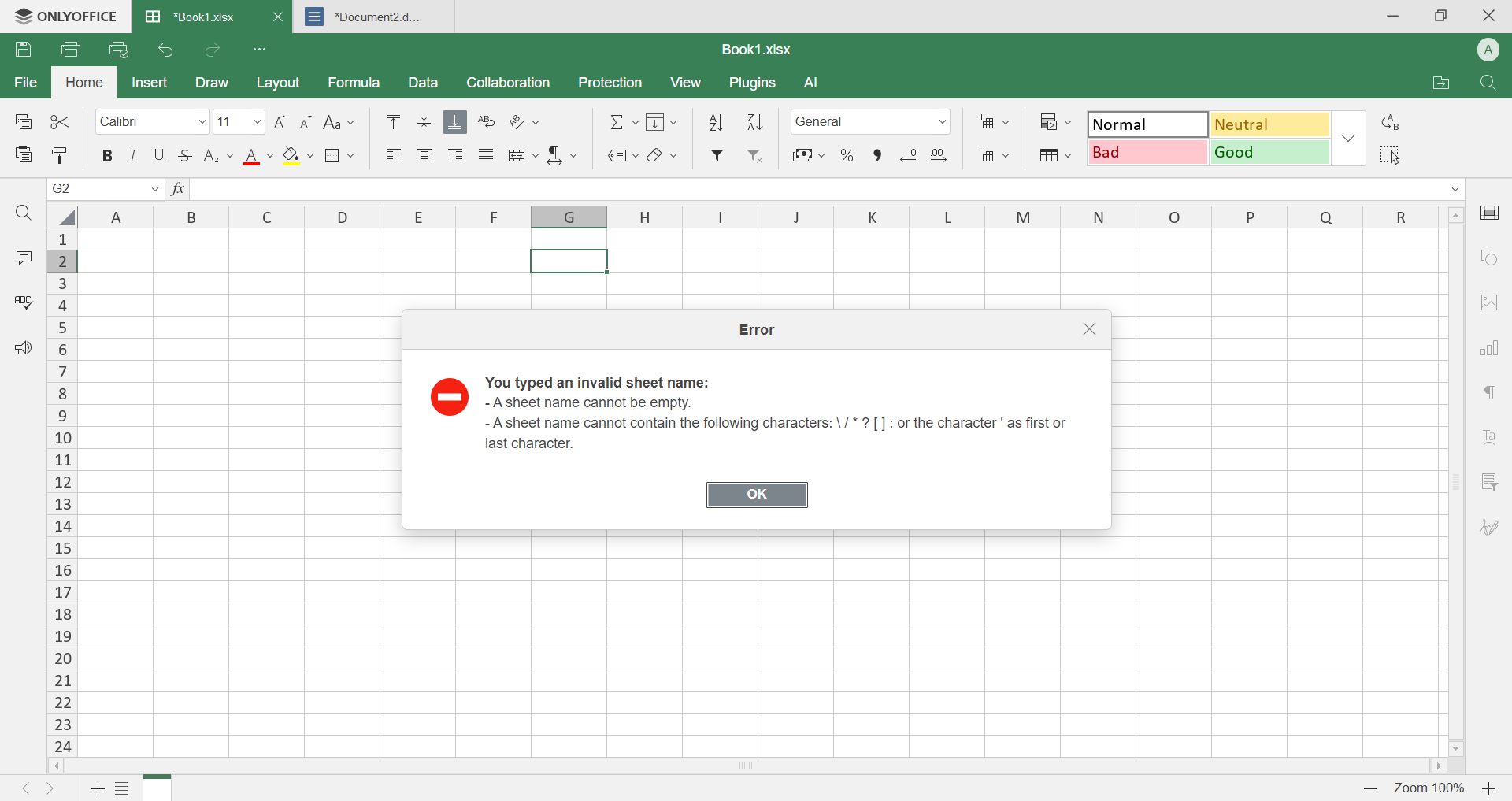
Editors have a few strict rules for sheet names. They can’t be longer than 31 characters, they can’t contain certain special symbols, and every sheet in the same file must have a unique name. If you ignore these rules, editors simply won’t accept the name.
Get ONLYOFFICE Spreadsheet Editor
Use ONLYOFFICE Spreadsheet Editor to organize your workbook properly: rename tabs, keep related data together, and make large spreadsheets easier to navigate.
If you don’t have an ONLYOFFICE account yet, create one for free and practice working with real Excel files. Use it online or download the desktop apps to manage your spreadsheets locally.
Create your free ONLYOFFICE account
View, edit and collaborate on docs, sheets, slides, forms, and PDF files online.


